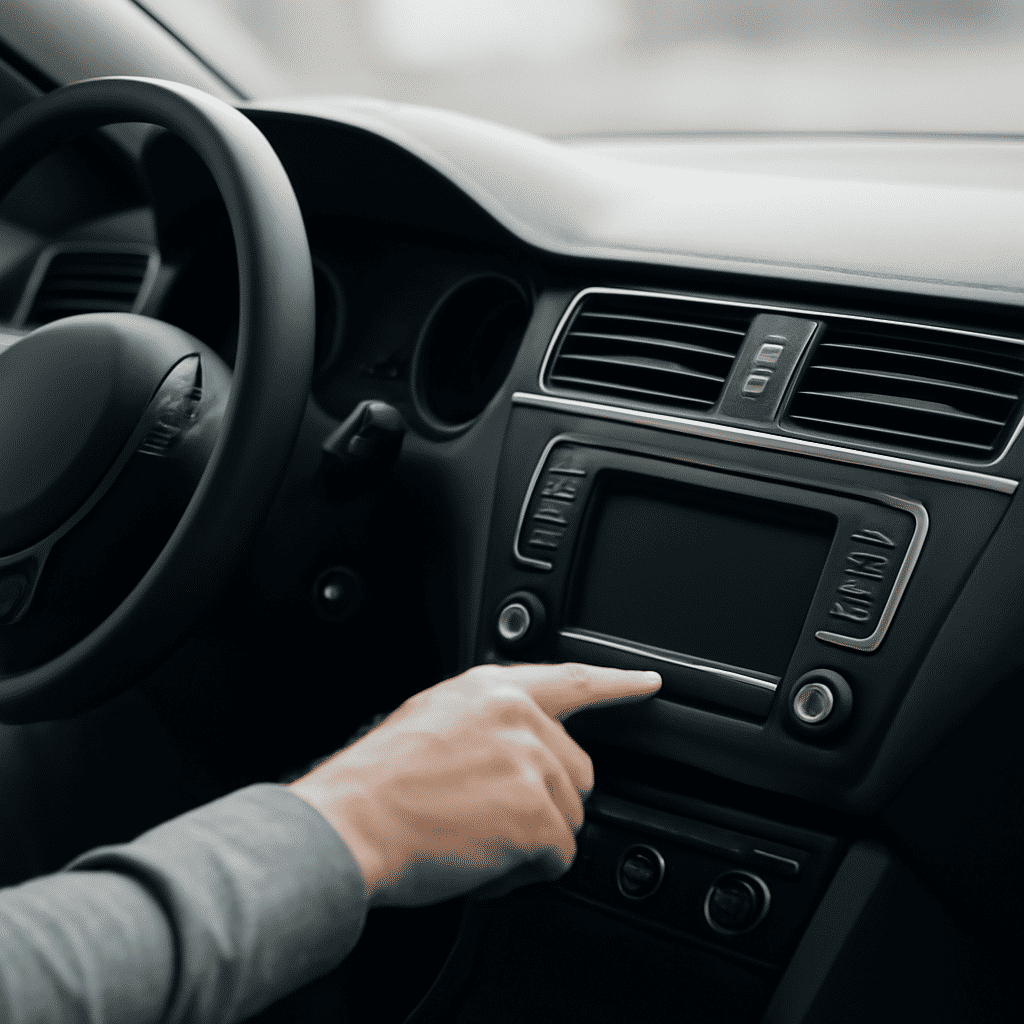
To ensure you enjoy a seamless audio experience in your vehicle, follow these detailed steps to activate your car radio. This guide will help you set up your radio quickly and without hassle.
Gather Required Information
Before beginning the activation process, make sure you have all the necessary information at hand. This typically includes your vehicle's identification number (VIN), the radio's serial number, and any related documentation provided by the manufacturer. This information is usually available in your car's manual or service booklet.
Power On the Radio
Turn on your car's ignition to power up the radio. Press the power button on the radio console to activate the device. If the display shows "CODE" or "LOCKED," this indicates you are required to input an activation code.
Retrieve Activation Code
If your radio requires a code, consult the car's manual where it is often printed inside or on a separate card. Alternatively, some manufacturers provide the code through their official website after you register your car and input necessary details like the radio's serial number.
Input the Activation Code
Use the radio's preset buttons to enter the code. Carefully follow the instructions to input each digit correctly. If a mistake is made, some systems will allow you to start over after a brief wait period. Be cautious, as too many incorrect attempts may temporarily lock the radio.
Confirm Activation
Once the correct code is entered, the radio should automatically unlock and become fully functional. Test several functions to ensure everything is working properly, such as adjusting volume, switching stations, and testing any connected features like Bluetooth or USB playback.
Troubleshooting
If the radio does not activate, verify the code entered was correct. Double-check the serial number and VIN in the documentation, and ensure they match the information used to obtain the activation code. Should issues persist, reaching out to a service center may be required for further assistance.
Enjoy Your Audio Experience
With your radio now activated, customize settings like sound balance, equalizer adjustments, and preset stations to enhance your listening experience. Ensure you become familiar with all options available, including any advanced features that can offer additional convenience or audio quality improvement.
By following these steps, you will successfully activate your car radio, allowing you to enjoy uninterrupted entertainment on all your drives.